
The kit
Elements [18]
EK SVG Draw
Server-side sanitization
Reduced-motion aware
SVG Draw
Animates uploaded SVG artwork with a stroke-drawing effect, sanitized on the server and triggered on page load, scroll into view, hover, or scroll position.
Dynamic Data
SVG upload
File limit
300 KB
Library
enshrined/svg-sanitize
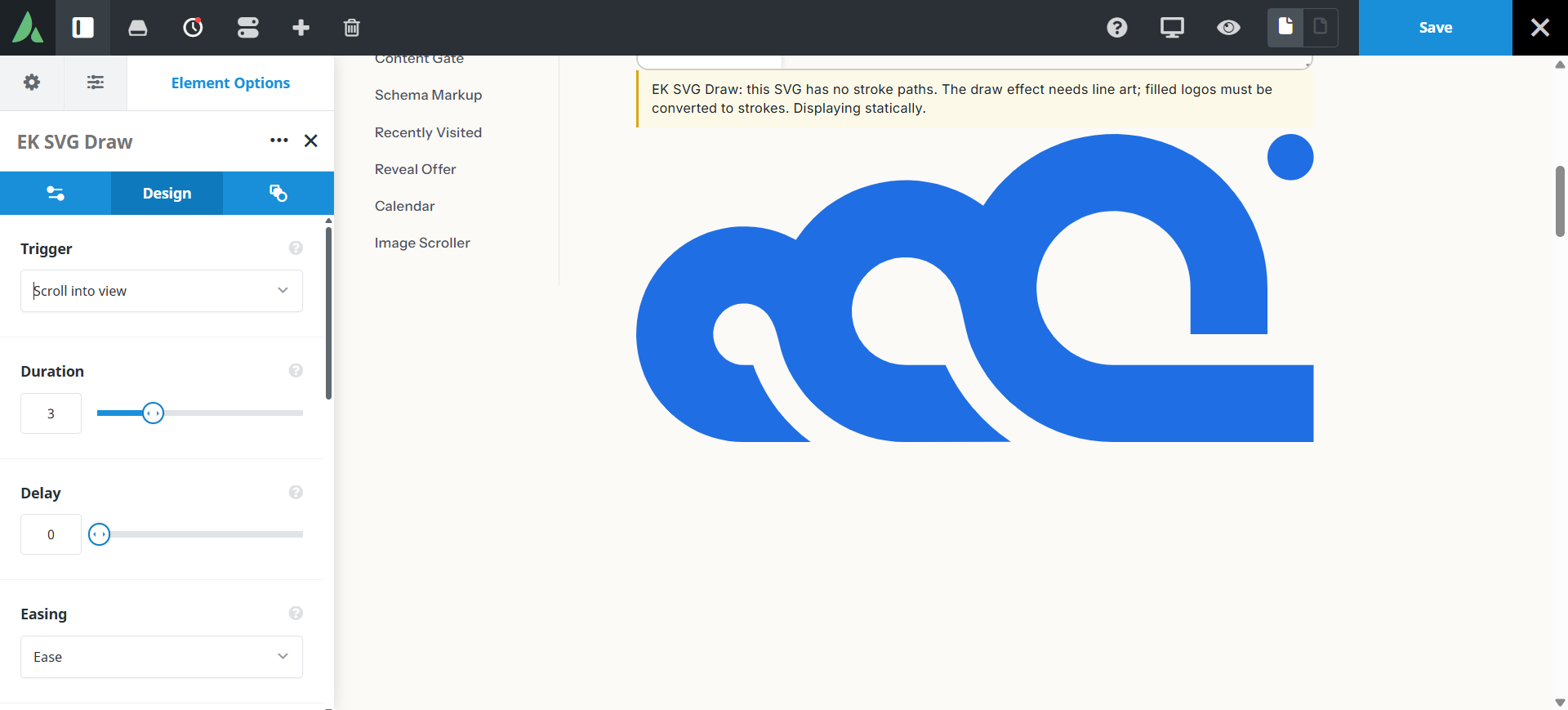
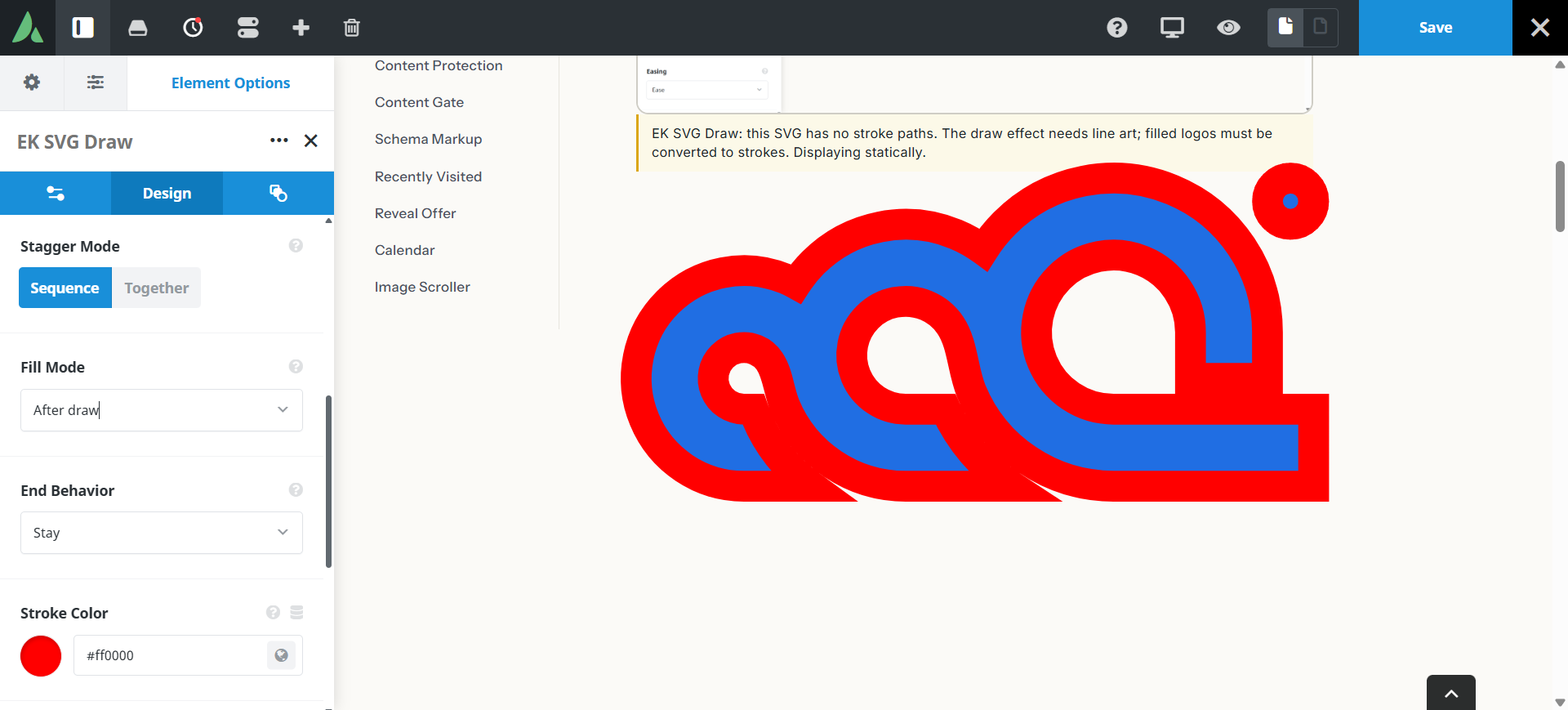
Strokes draw in sequence, then fills appear.
Example of SVG draw with stroke colours…
Use cases
Key features
What the element does, in plain terms. Every individual control is listed in the settings reference below.
Safety
Mandatory sanitization pipeline
Uploads pass through the enshrined/svg-sanitize library, sanitized markup is cached, and raw SVG is never echoed to the page.
Accessibility
The artwork carries a role of img with a custom alt label, and prefers-reduced-motion shows the completed static state immediately.
Animation
Four trigger modes
Page load, scroll into view at 25 percent visibility, hover, and scroll-scrub linked to scroll position.
Animation controls
Duration, delay, easing, drawing together or in a staggered sequence, fill modes, and end behaviour.
Optional stroke overrides
A uniform stroke colour and width applied to all paths regardless of the attributes in the original file.
Responsive outer spacing
Margin and padding per breakpoint.
Settings reference
Every setting the element exposes, grouped by builder tab. Options are listed where the setting offers a fixed set of choices.
Artwork General tab
SVG file
Dynamic Data
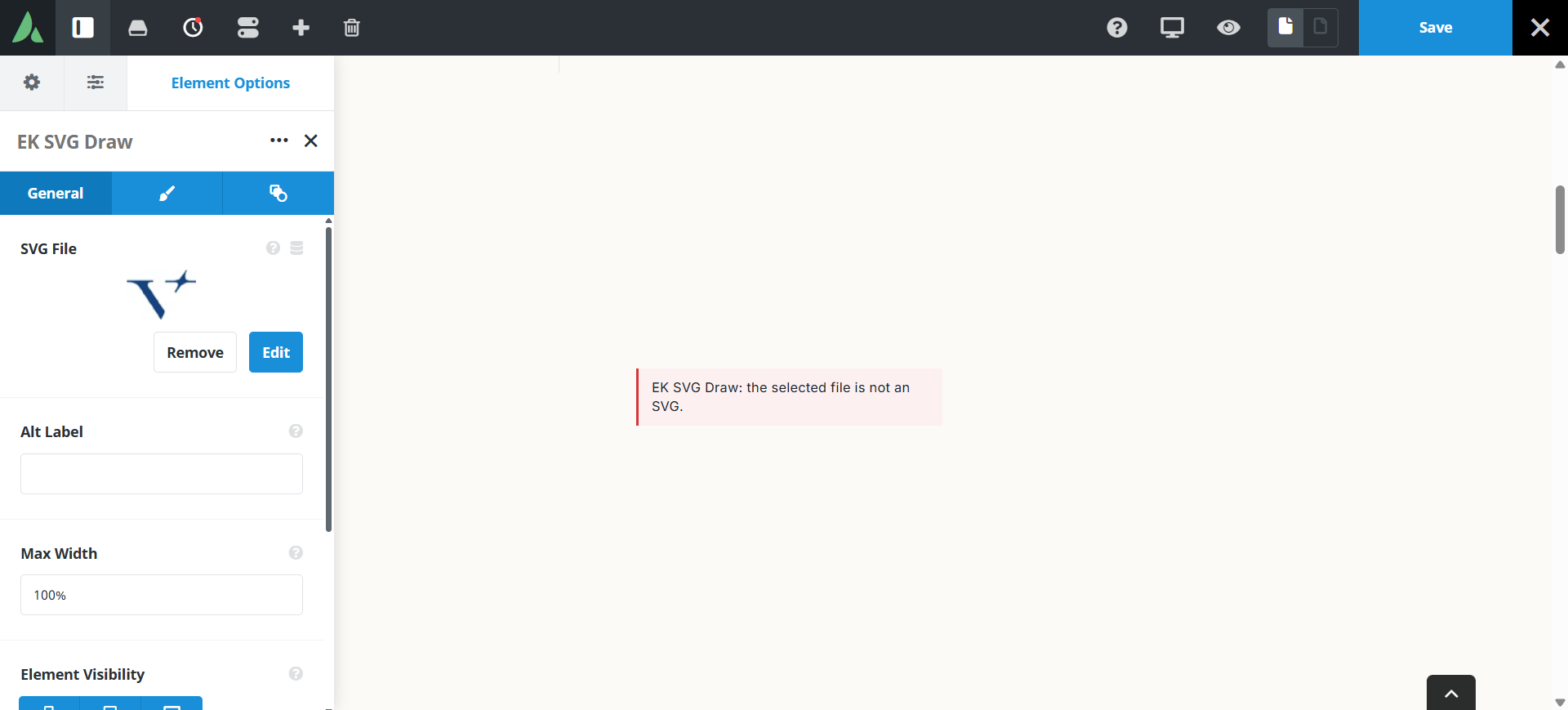
The artwork to animate. Files larger than 300 KB are refused, and the file must be line art suitable for stroke animation.
Alt label
The accessible name announced for the artwork.
Size
Rendered width and height of the artwork within its column.
Trigger General tab
Trigger mode
Page load · Scroll into view · Hover · Scroll-scrub
Page load draws immediately. Scroll into view starts when a quarter of the artwork is visible. Hover draws on pointer entry. Scroll-scrub ties progress to scroll position and is the most CPU-intensive option.
Delay
How long to wait before drawing starts, which helps stage a sequence of elements.
Animation General tab
Duration
How long the full stroke-draw takes.
Easing
The speed curve of the draw, from linear to eased.
Path sequencing
Together · Sequenced with stagger
Together draws every path at once. Sequenced draws them one after another, which suits diagrams that explain an order.
Fill mode
After stroke · Before stroke · None
When the original fills appear relative to the stroke animation, or whether they appear at all.
End behaviour
Stay · Reverse · Loop
What happens once drawing completes: hold the finished artwork, undraw it, or repeat.
Stroke and spacing Design tab
Stroke colour override
Applies one colour to every path, overriding the colours saved in the file.
Stroke width override
Applies one width to every path, which evens out artwork exported at mixed weights.
Margin
Per breakpoint
Outer spacing around the element, set separately for large, medium, and small screens and scoped to this element instance.
Padding
Per breakpoint
Inner spacing between the element container edge and its content, also set per breakpoint.
Extras Extras tab
Conditional Rendering
Avada logic conditions
Shows or hides the element based on logged-in state, user role, and the other conditions Avada’s logic system offers.
On this page
