
The kit
Elements [18]
EK Recently Visited
Browser storage only
Cache-safe
Recently Visited
Shows each visitor a list of pages they recently viewed on the site, stored entirely in the browser’s localStorage and never sent to the server or database.
Dynamic Data
Empty-state message
Grid columns
1 to 4
Storage
localStorage, per browser
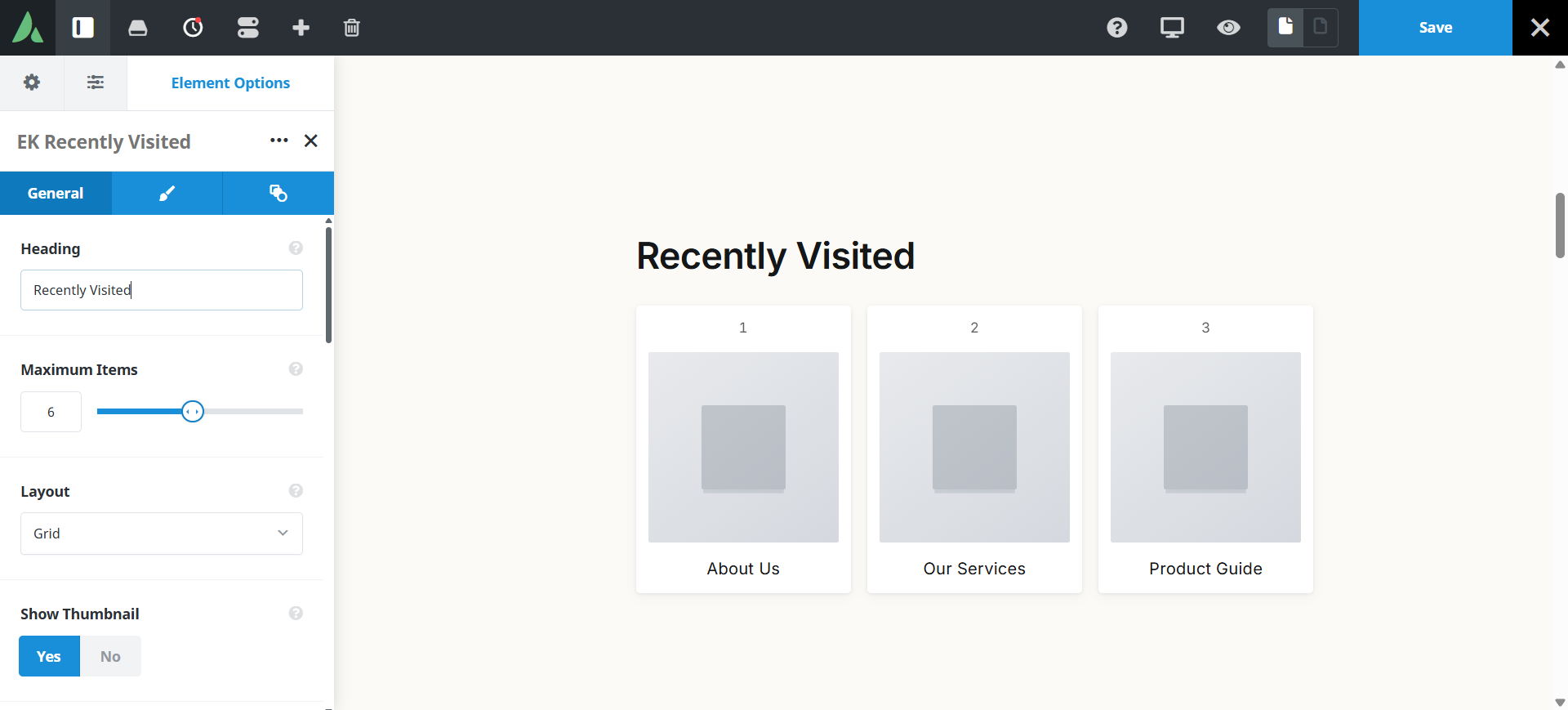
The page HTML ships as an empty shell and is filled by JavaScript.
Example of Recently visited with list layout…
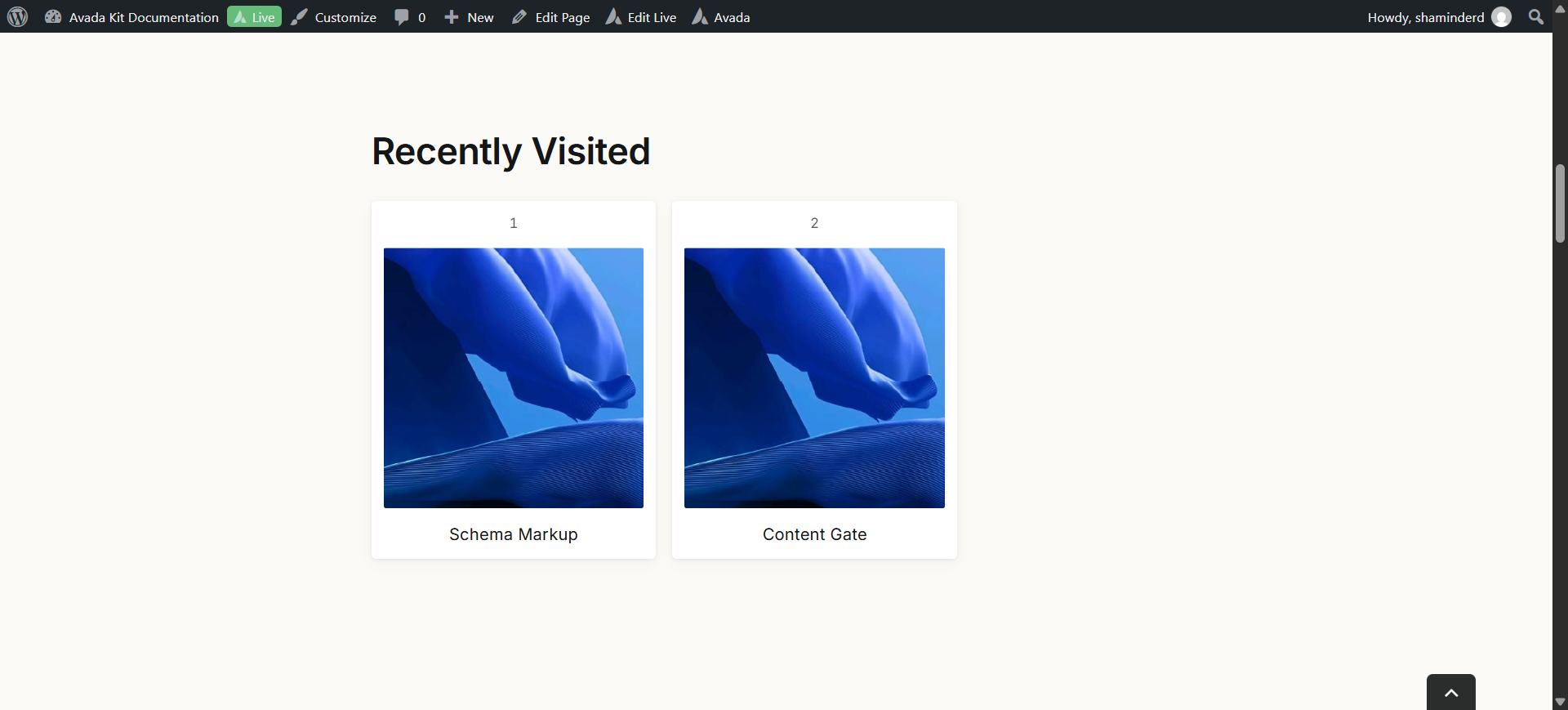
Example of Recently visited with grid layout…
Example of Recently visited with compact layout…
Use cases
Key features
What the element does, in plain terms. Every individual control is listed in the settings reference below.
How it works
Record and display split
A lightweight site-wide recorder runs on every frontend page load and writes to localStorage. The display element only reads and renders, so page HTML stays cache-safe.
Exclusions
Skip post types and specific post IDs. WooCommerce cart, checkout, and account pages are excluded by default, and admin pages are never recorded.
Presentation
Three layouts
A vertical list, a responsive grid of one to four columns, or compact inline chips.
Card styling
Bordered, shadow, or minimal presets, with an optional featured image and a placeholder fallback image parameter.
Empty behaviour
Either hide the element entirely or show a configurable message.
Builder demo cards
Sample recent pages appear only in Avada Builder and Live for layout work. They are never written to storage and never shown to visitors.
Settings reference
Every setting the element exposes, grouped by builder tab. Options are listed where the setting offers a fixed set of choices.
Layout General tab
Layout
List · Grid · Inline chips
List suits sidebars, grid suits wide sections, and inline chips suit a compact strip under a header.
Grid columns
1 to 4
Cards per row in grid layout. This is a simple range rather than the full shared responsive columns helper.
Number of items
How many recent pages to display, drawn from the visitor’s stored history.
Featured image
On · Off
Shows the stored thumbnail for each page.
Placeholder image
A fallback image used when a page has no featured image, or when the stored URL no longer resolves.
Time ago line
On · Off
Shows how long ago the page was viewed.
Recording and exclusions General tab
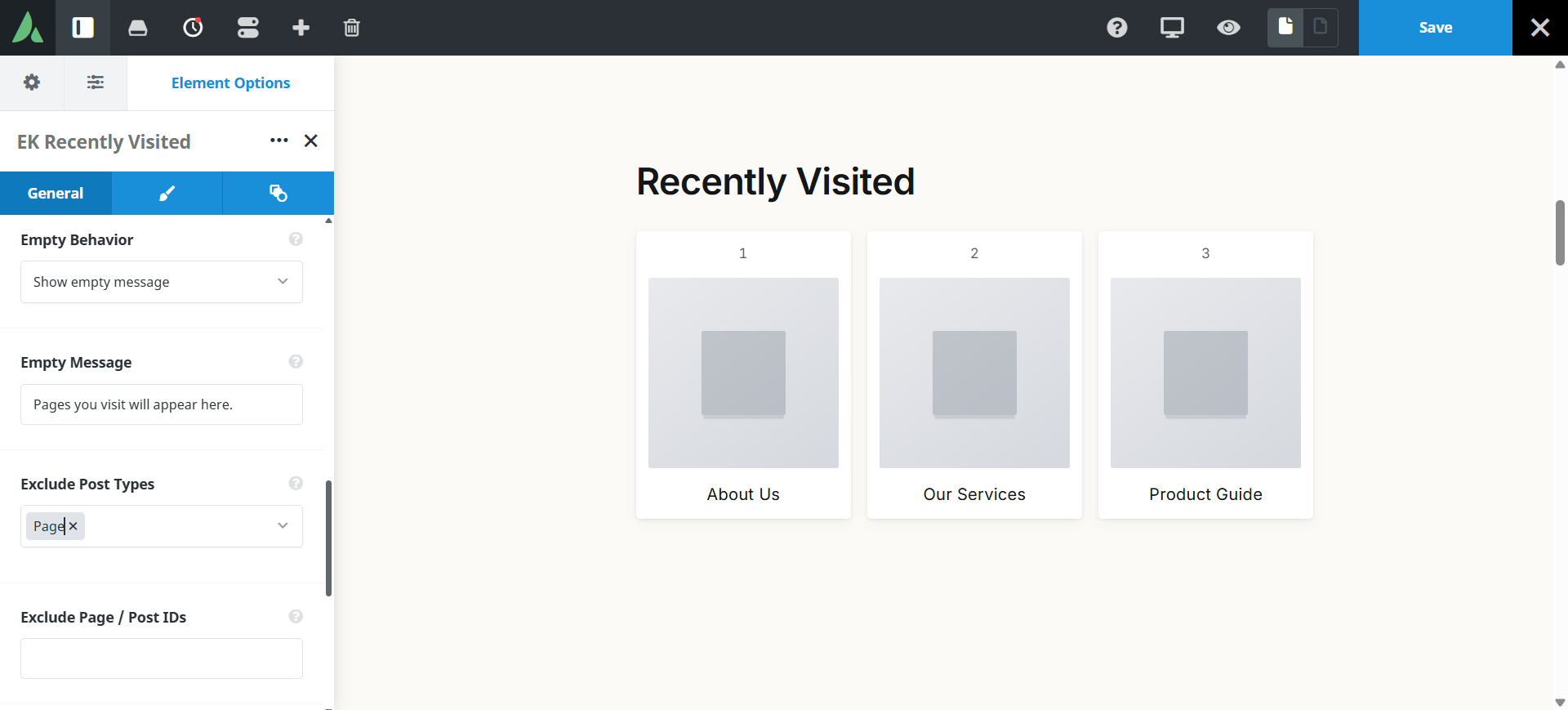
Excluded post types
Post types that are never recorded, for sensitive or transactional content.
Excluded post IDs
Specific pages that are never recorded, for example a checkout confirmation.
WooCommerce exclusions
On by default
Cart, checkout, and account pages are excluded by default. Admin pages are never recorded at all.
Empty state and design General and Design tabs
Empty behaviour
Hide element · Show message
Whether the block disappears when there is no history, or shows a friendly line instead.
Empty message
Dynamic Data
The wording shown when there is nothing to list yet.
Card style
Bordered · Shadow · Minimal
The treatment applied to each card.
Typography
Font controls for the page title and the time-ago line.
Margin
Per breakpoint
Outer spacing around the element, set separately for large, medium, and small screens and scoped to this element instance.
Padding
Per breakpoint
Inner spacing between the element container edge and its content, also set per breakpoint.
Extras Extras tab
Conditional Rendering
Avada logic conditions
Shows or hides the element based on logged-in state, user role, and the other conditions Avada’s logic system offers.
On this page
