
The kit
Elements [18]
EK Content Protection
Invisible utility
Deterrent only
Content Protection
An invisible builder utility that deters casual copying by blocking image drag, optional text selection, and optional right-click context menus, without displaying any visible frontend content.
Dynamic Data
Not available
Outer spacing
None, no visible root
Editors
Exempt from all scripts
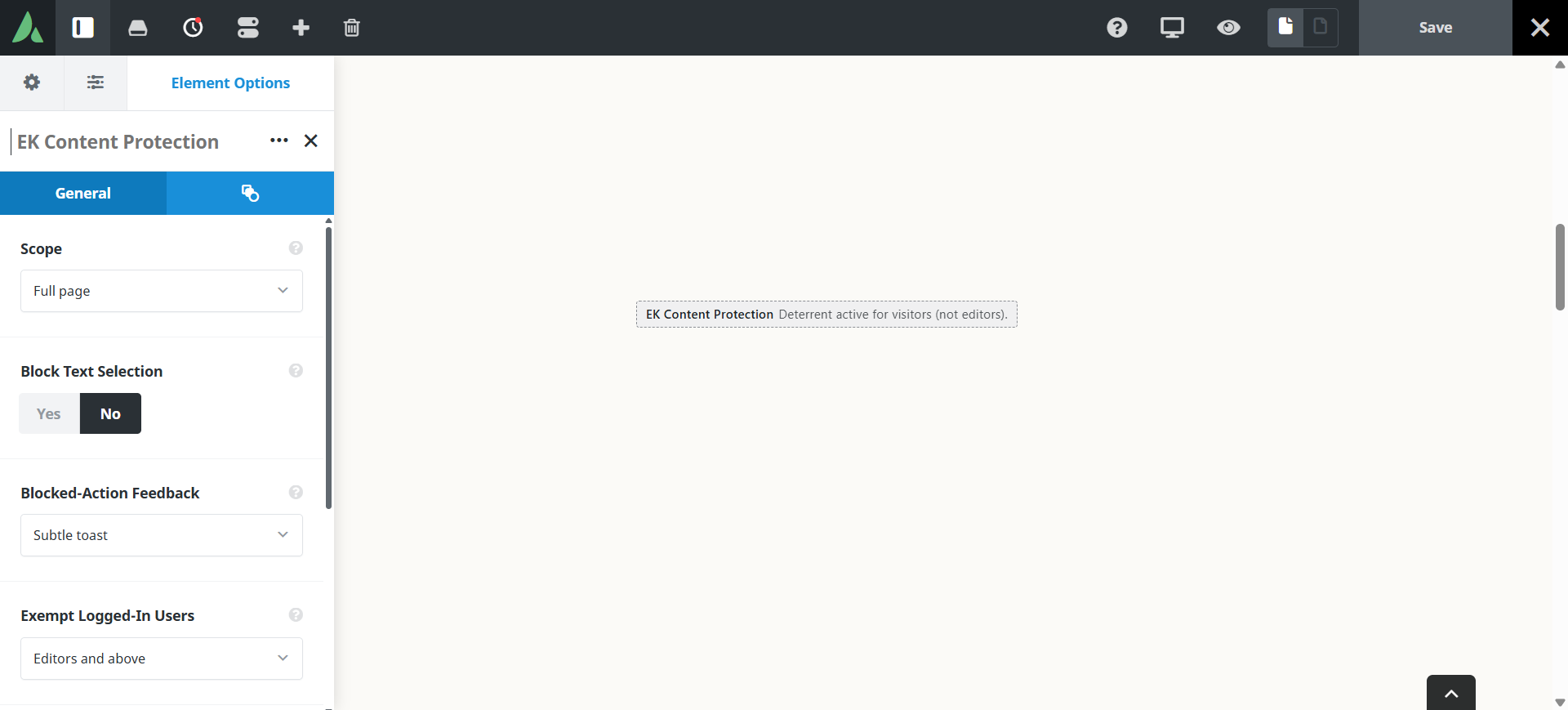
The element renders nothing for visitors.
Example of the content protection feature using this image and content across the full page…
Use cases
Key features
What the element does, in plain terms. Every individual control is listed in the settings reference below.
Scope
Scope modes
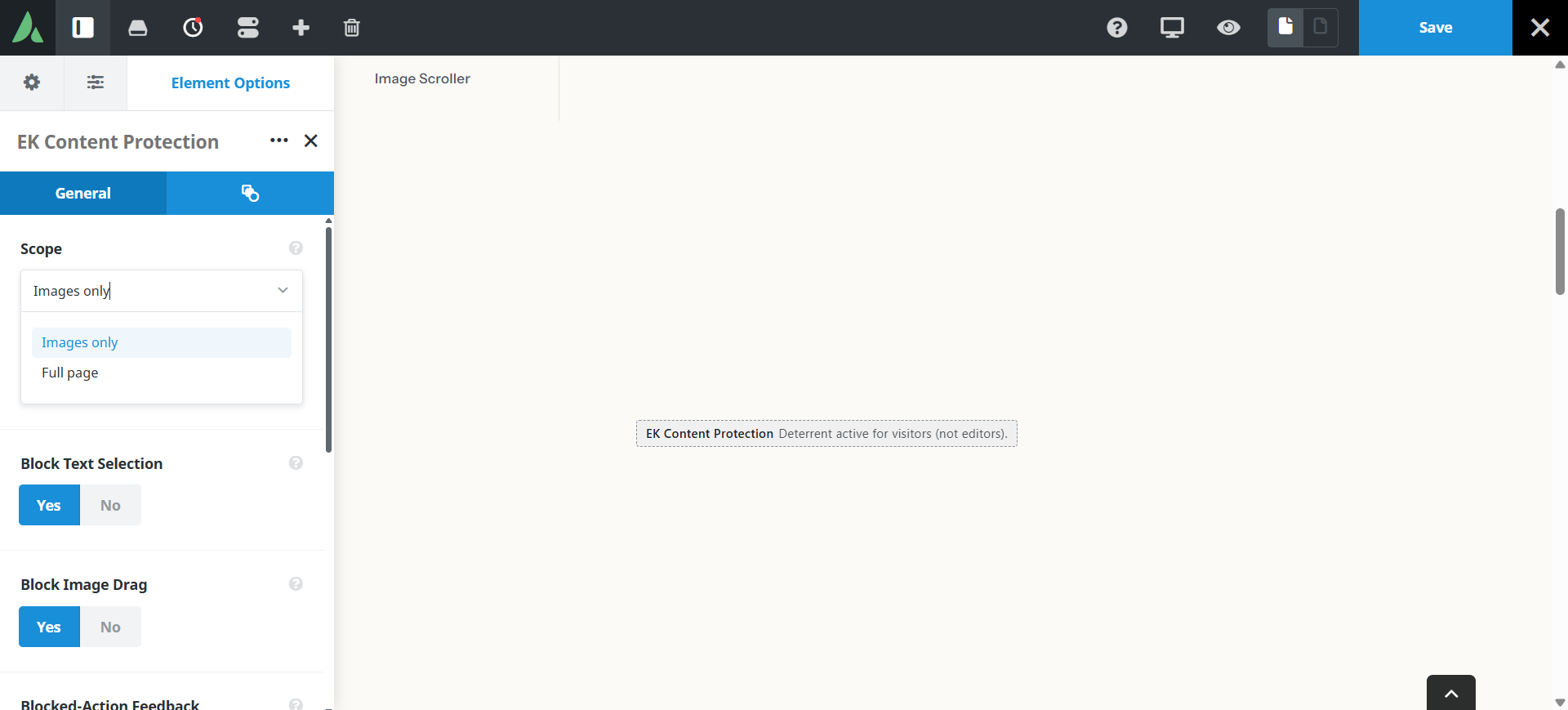
Images only, which is the default, or full page context menu blocking.
Optional text selection block
Off by default in images-only mode, so ordinary reading and quoting are unaffected.
Behaviour
Optional one-time toast
A subtle message the first time a blocked action is attempted.
Editor exemption
Logged-in users with edit capability bypass all deterrent scripts, and no frontend assets are loaded for them at all.
Settings reference
Every setting the element exposes, grouped by builder tab. Options are listed where the setting offers a fixed set of choices.
Scope General tab
Scope mode
Images only · Full page
Images only blocks dragging and the context menu on images, which is the least disruptive option. Full page blocks the context menu across the whole document.
Block text selection
Off by default
Prevents selecting text. This frustrates visitors who need to copy an address or a quotation, so it is off unless deliberately enabled.
Block image drag
On
Stops images being dragged out of the page to the desktop or another window.
Feedback General tab
One-time toast
On · Off
Shows a short message the first time a visitor attempts a blocked action, instead of failing silently.
Toast message
The wording of that message, which is a good place to point visitors at a licensing or contact page.
Extras Extras tab
Conditional Rendering
Avada logic conditions
Shows or hides the element based on logged-in state, user role, and the other conditions Avada’s logic system offers.
On this page
