
The kit
Elements [18]
EK QR Code
Client-side rendering
No external API
QR Code
Generates QR codes entirely in the visitor’s browser for URLs, plain text, contact vCards, or UPI payment links, with no external API calls and no tracking.
Dynamic Data
Mode-specific payload fields
Size range
100 to 600 pixels
Overlay cap
30 percent of code size
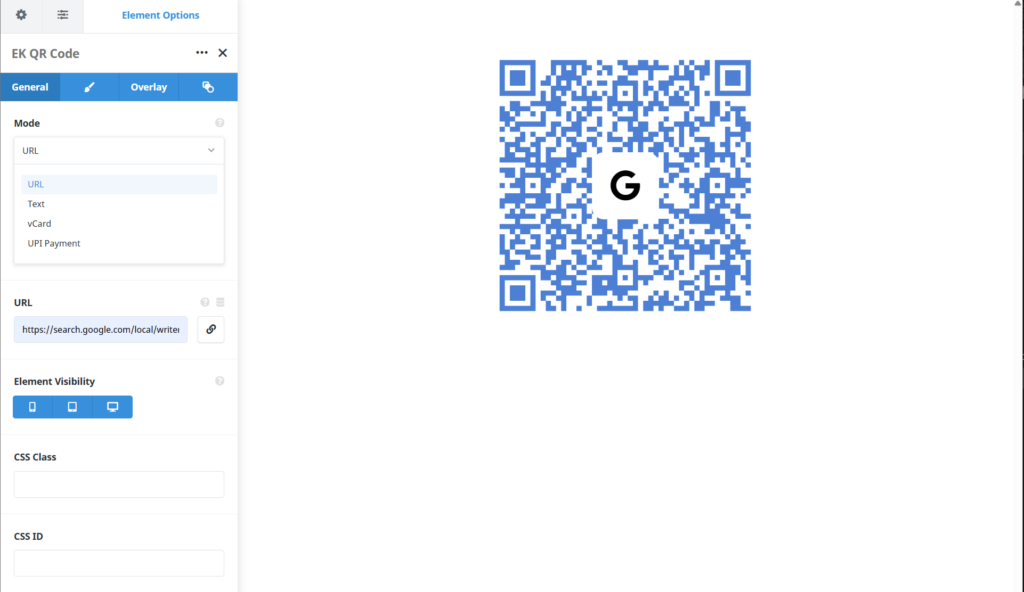
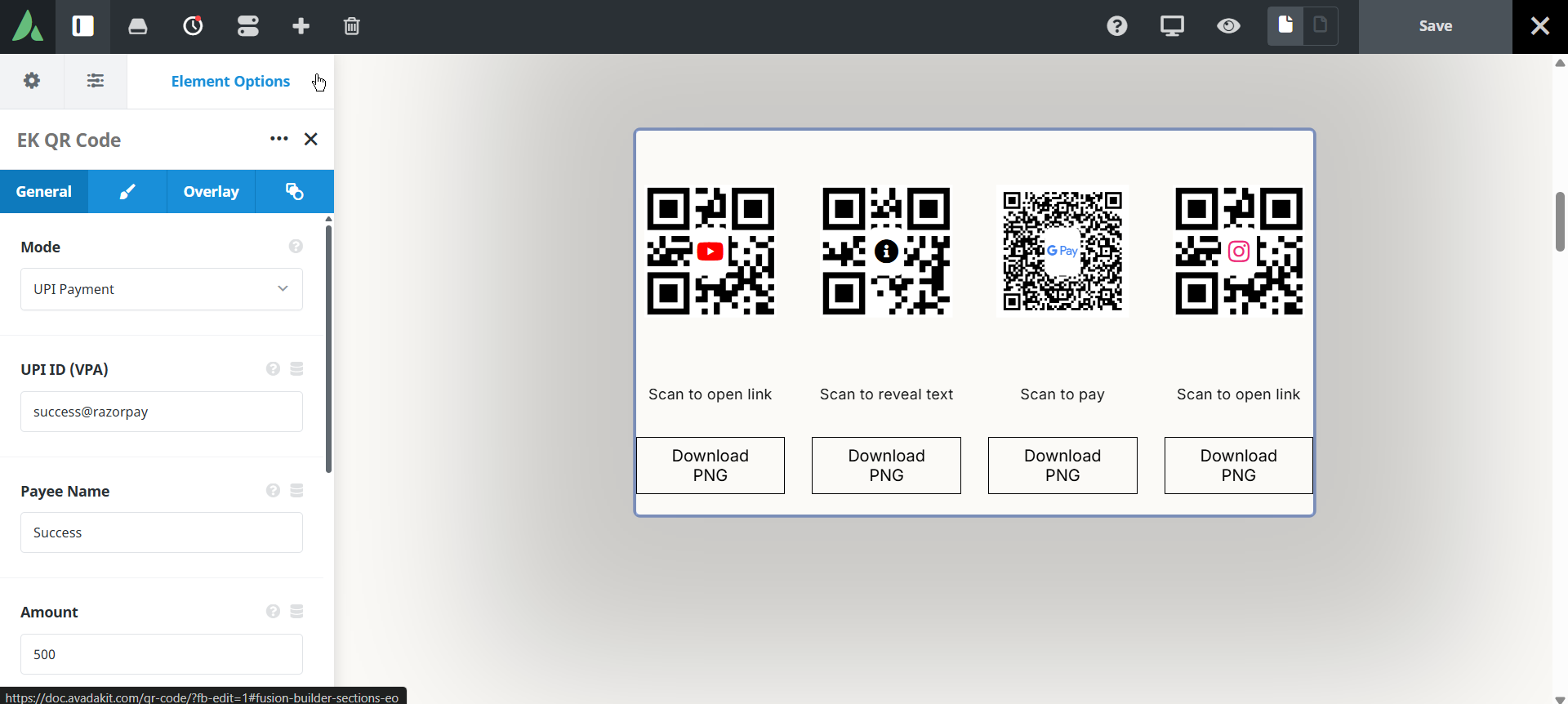
UPI payload mode with payee name and a fixed amount.
Example of QR with google review…

Review us on Google!
example of QR with Instagram bio…
Scan to reveal Instagram bio
Example of QR with Yotube page…
Scan to open link
Example of QR with UPI Payment…
Scan to Pay
Example of QR with image…

Scan to Pay
Example of QR with Colors…
Scan to Pay
Use cases
Key features
What the element does, in plain terms. Every individual control is listed in the settings reference below.
Payload
Four payload modes
URL, plain text, vCard contact card, and UPI payment string. Each payload is assembled and validated on the server before it is rendered.
Accessibility
The code carries a role of img with a mode-appropriate aria label, and a noscript fallback shows the payload as readable text.
Appearance
Display controls
Size from 100 to 600 pixels, foreground and background colours, error correction level, caption, alignment, and an optional PNG download button.
Center overlay
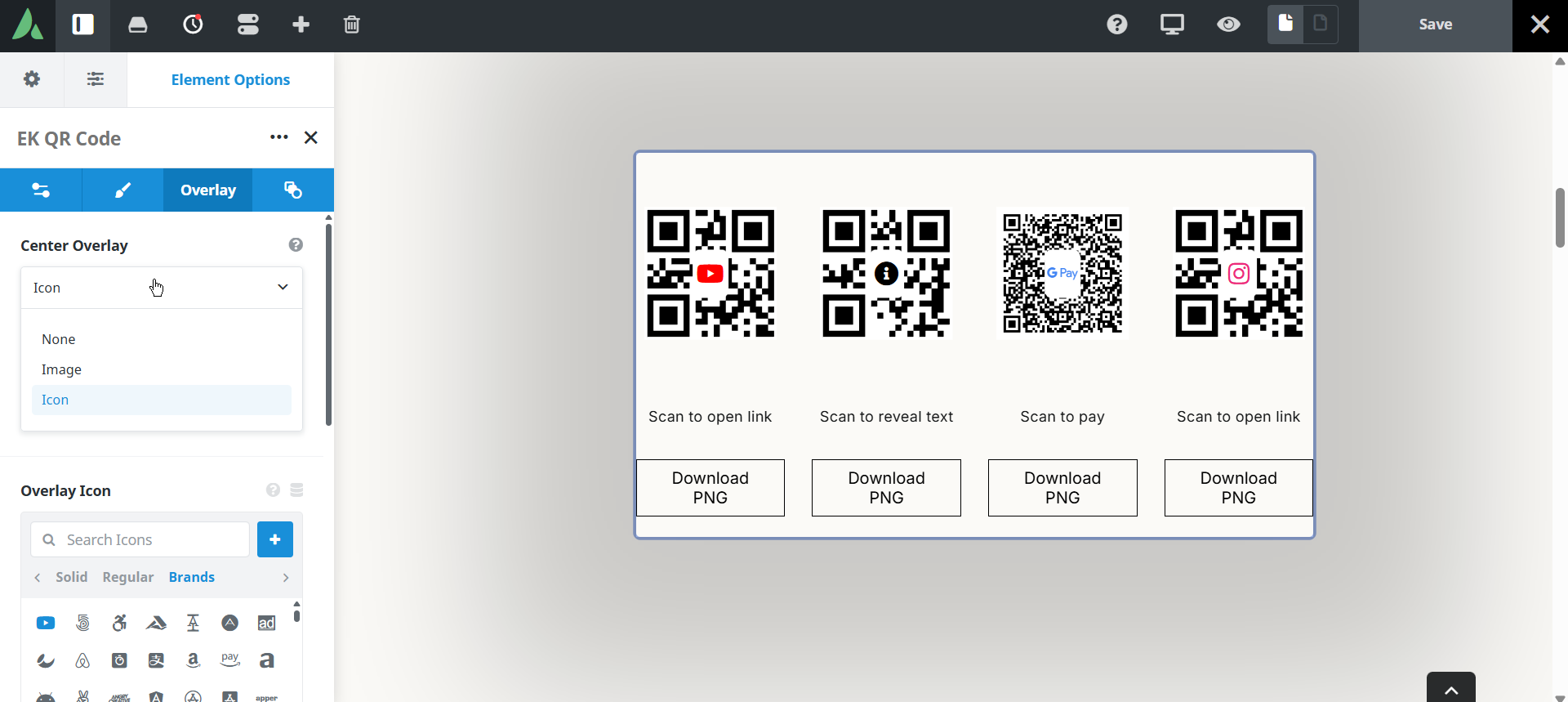
An optional logo image or Avada icon in the middle of the code, with a knockout pad, shape, and padding. Error correction rises to level H automatically when an overlay is present.
Responsive outer spacing
Margin and padding per breakpoint on the container.
Settings reference
Every setting the element exposes, grouped by builder tab. Options are listed where the setting offers a fixed set of choices.
Payload General tab
Mode
URL · Text · vCard · UPI
URL encodes a web address and is the default. Text encodes any plain string. vCard encodes a contact card that phones can save. UPI encodes an Indian payment string.
URL
Dynamic Data
The destination encoded in URL mode.
Text
Dynamic Data
The plain string encoded in text mode, for a reference number, a message, or a code.
vCard contact fields
Dynamic Data
The contact details encoded in vCard mode. A contact name is required. If required fields are empty, editors see a warning and visitors see nothing.
UPI payment fields
Dynamic Data
Payee details and an optional fixed amount for UPI mode. The string is assembled and validated on the server before rendering.
Display General and Design tabs
Size
100 to 600 pixels
The rendered size of the code. Larger codes scan more reliably from a distance or from print.
Foreground colour
Colour of the code modules. Keep these dark for reliable scanning.
Background colour
Colour behind the modules. Keep this light so contrast stays high.
Error correction level
L · M · Q · H
How much redundancy the code carries. Higher levels survive damage or partial covering but pack more modules into the same area. Level H is applied automatically when a centre overlay is used.
Caption
A short line of text under the code, for example an instruction to scan.
Alignment
Left · Centre · Right
Horizontal placement of the code and caption within the column.
Download button
On · Off
Adds a button that saves the code as a PNG file, which is useful for print production.
Center overlay Design tab
Overlay type
None · Image · Avada icon
What sits in the middle of the code. Overlays reduce scannability, so they are optional.
Overlay size
Warning above 25 percent, hard cap 30 percent
How much of the code the overlay covers. The editor warns past 25 percent and refuses to go beyond 30 percent.
Knockout pad
A solid pad behind the overlay that keeps the covered modules from being misread.
Pad shape
The shape of that pad, so a round logo and a square logo can both sit cleanly.
Pad padding
Space between the overlay artwork and the pad edge.
Spacing Design tab
Margin
Per breakpoint
Outer spacing around the element, set separately for large, medium, and small screens and scoped to this element instance.
Padding
Per breakpoint
Inner spacing between the element container edge and its content, also set per breakpoint.
Extras Extras tab
Conditional Rendering
Avada logic conditions
Shows or hides the element based on logged-in state, user role, and the other conditions Avada’s logic system offers.
On this page
