
The kit
Elements [18]
EK Schema Markup
Invisible output
Ten schema types
Schema Markup
Outputs invisible JSON-LD structured data for ten schema.org types configured through builder fields, with integrity checks and duplicate warnings for SEO plugins.
Dynamic Data
Most content-shaped fields
Types
Ten schema.org types
Outer spacing
None, invisible output
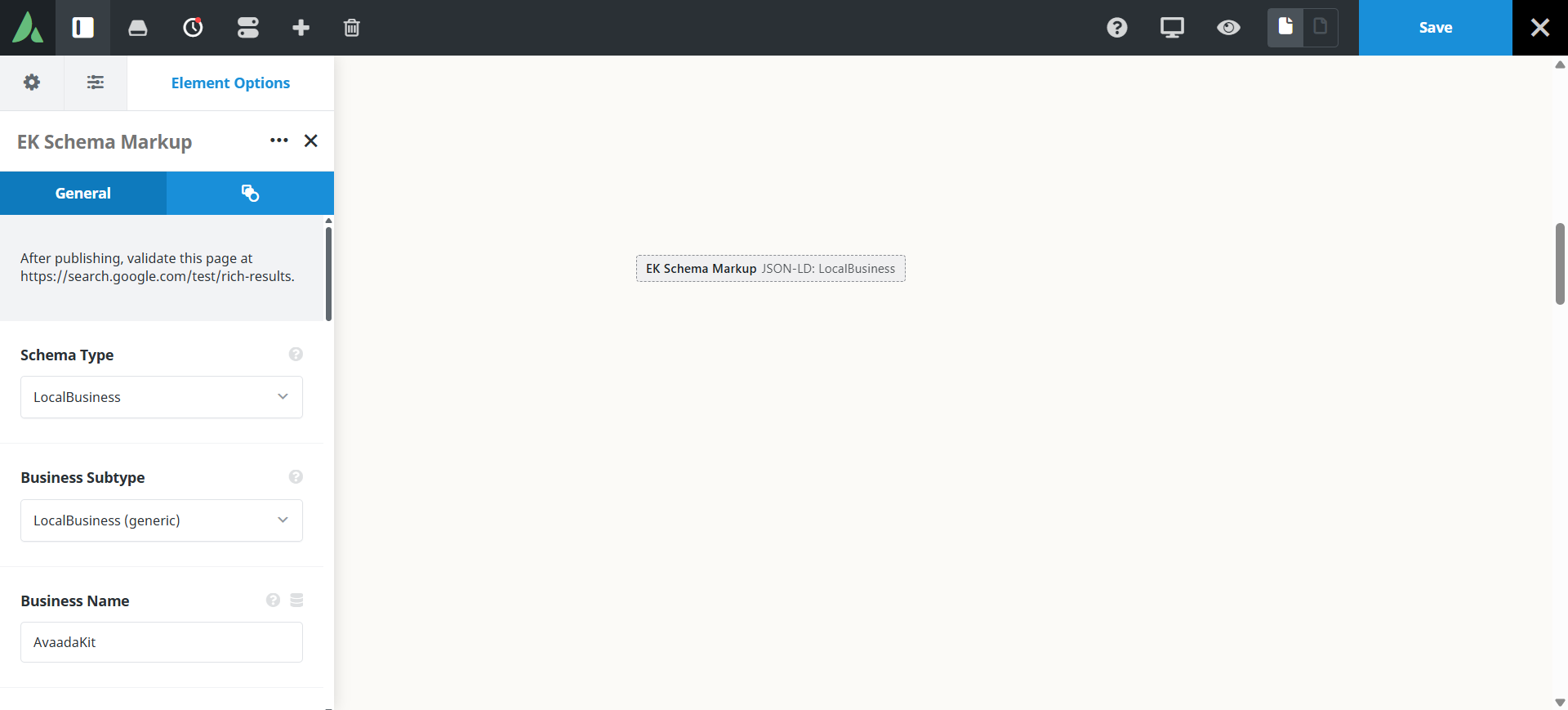
The element outputs JSON-LD only, with no visible frontend content.
Use cases
Key features
What the element does, in plain terms. Every individual control is listed in the settings reference below.
Output
Ten schema types
LocalBusiness, Organization, Person, Article, Product, Event, Service, FAQPage, HowTo, and VideoObject.
Clean output
A PHP array is built per type and encoded with wp_json_encode, and empty properties are omitted.
Article auto-fill
An optional use-current-post mode pulls the title, dates, author, image, and excerpt from the page being edited.
Integrity
Integrity rules
No review or aggregate rating markup. Required fields must all resolve or nothing is emitted, and a duplicate type on one page triggers an editor warning.
SEO plugin notices
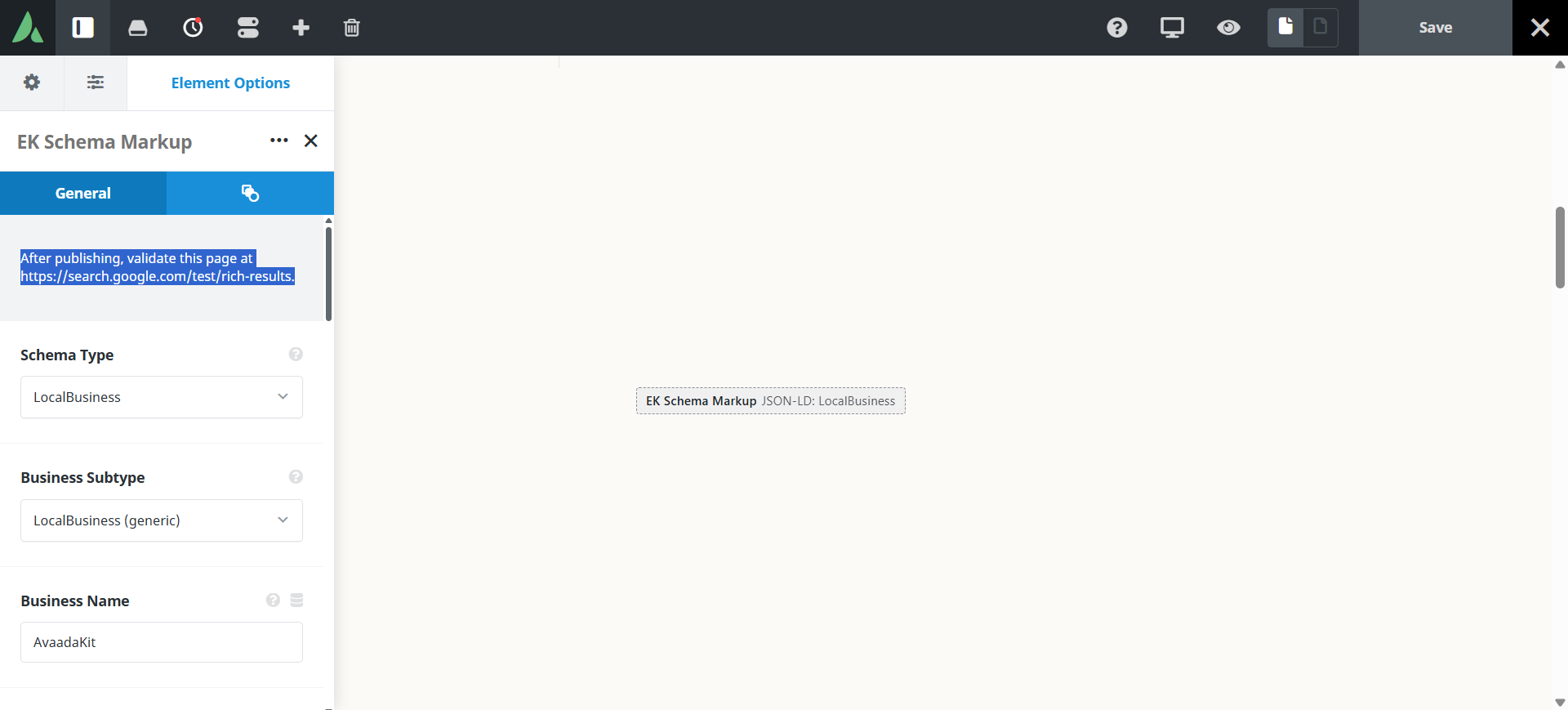
Advisory warnings appear when Yoast SEO, Rank Math, All in One SEO, SEOPress, or The SEO Framework is active, prompting verification in the Rich Results Test without claiming a conflict exists.
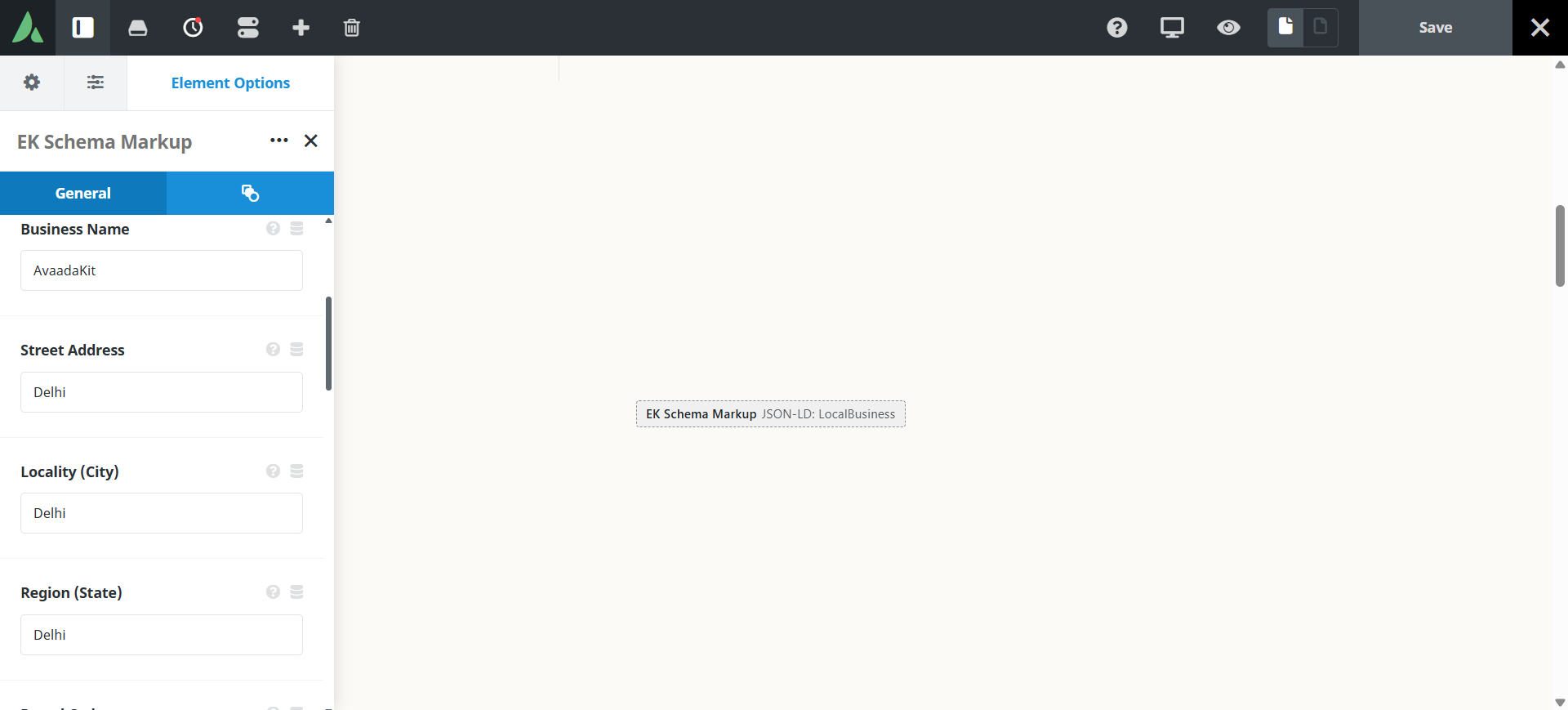
Settings reference
Every setting the element exposes, grouped by builder tab. Options are listed where the setting offers a fixed set of choices.
Schema type General tab
Type
LocalBusiness, Organization, Person, Article, Product, Event, Service, FAQPage, HowTo, VideoObject
Which schema.org type this instance emits. The available fields change to match the chosen type.
Use current post
Article type only
Fills the Article fields from the post being edited, including title, dates, author, image, and excerpt.
Type fields General tab, per type
Content fields
Dynamic Data
The properties for the chosen type, entered as typed builder fields. Values should match what is visible on the page.
Repeater fields
Question and answer rows for FAQPage, and step rows for HowTo.
Required fields
Every required field for the chosen type must resolve. If any is empty, nothing is emitted, which prevents invalid markup reaching search engines.
Extras Extras tab
Conditional Rendering
Avada logic conditions
Shows or hides the element based on logged-in state, user role, and the other conditions Avada’s logic system offers.
On this page
