
The kit
Elements [18]
EK Notice Flasher
Parent / child element
Real data only
Notice Flasher
Shows fixed corner toast notifications rotating real WooCommerce purchase and review events or owner-written announcements, with privacy-filtered names and no fabricated social proof.
Dynamic Data
Announcement item fields
Defaults
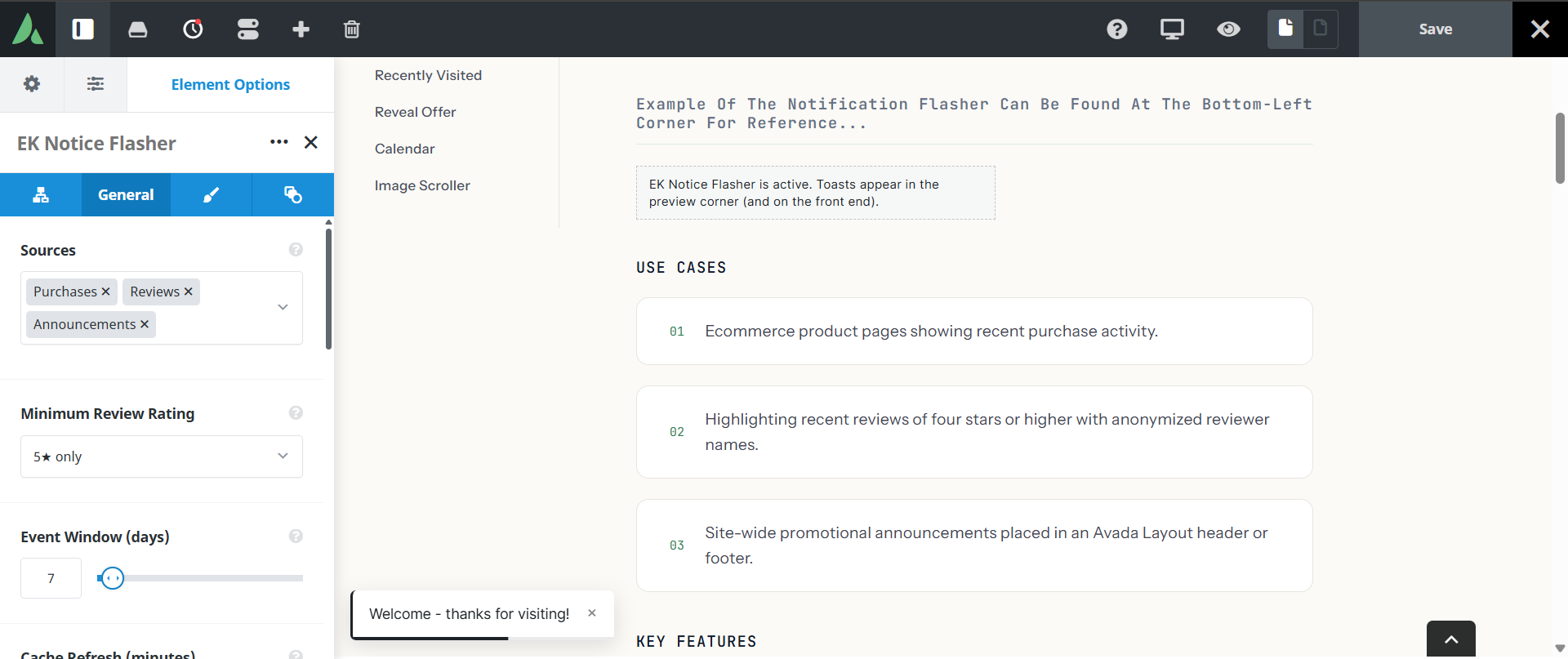
4 toasts per session, 7 day windowt
Mobile
Hidden by default
Names are anonymized by default and filtered on the server.
Example of the notification flasher can be found at the bottom-left corner for reference…
Use cases
Key features
What the element does, in plain terms. Every individual control is listed in the settings reference below.
Data
Three data sources
WooCommerce purchases, WooCommerce reviews with a minimum star rating filter, and manual announcement items added as child elements.
Privacy controls
Names are anonymized by default. A first initial with city or country is available only when the site owner opts in, and filtering happens on the server before anything reaches the browser.
Behaviour
Timing controls
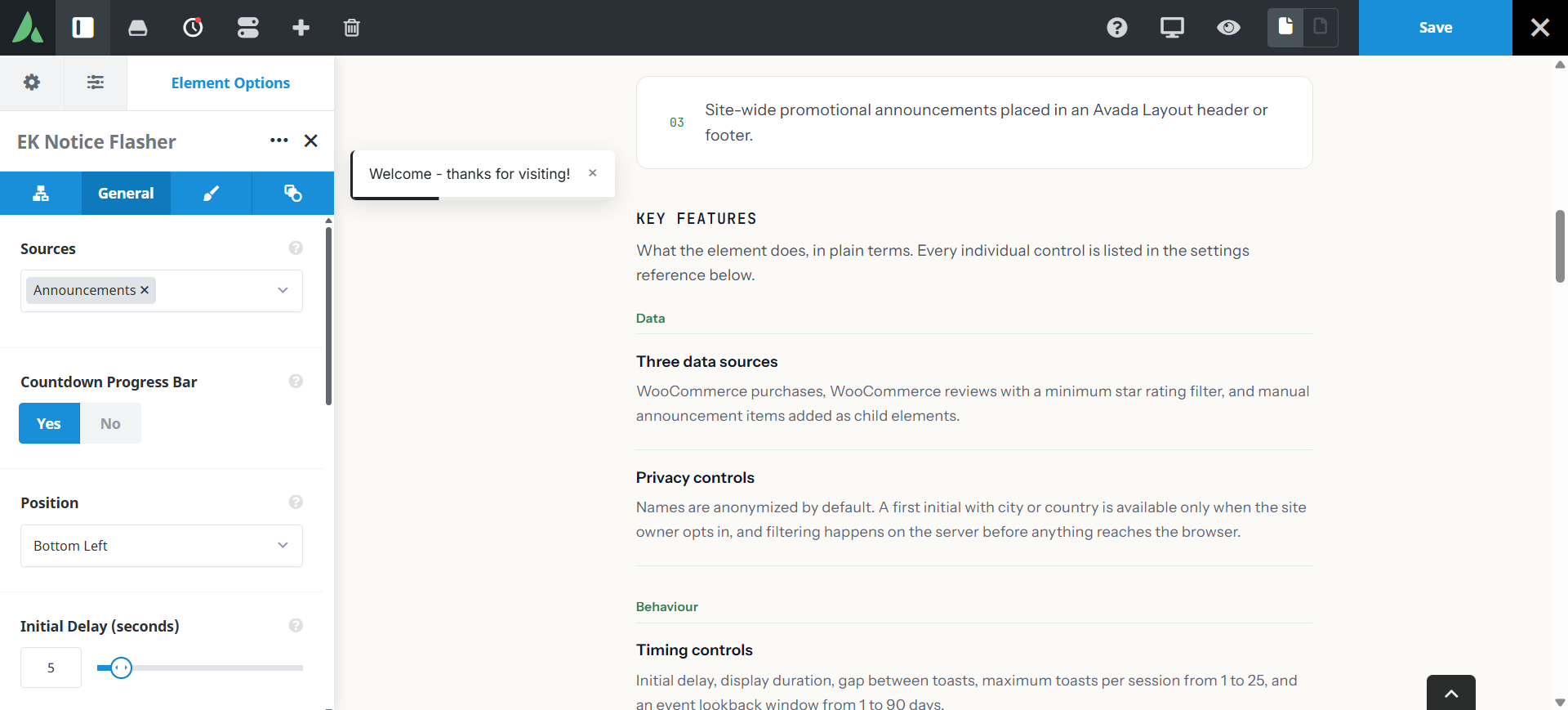
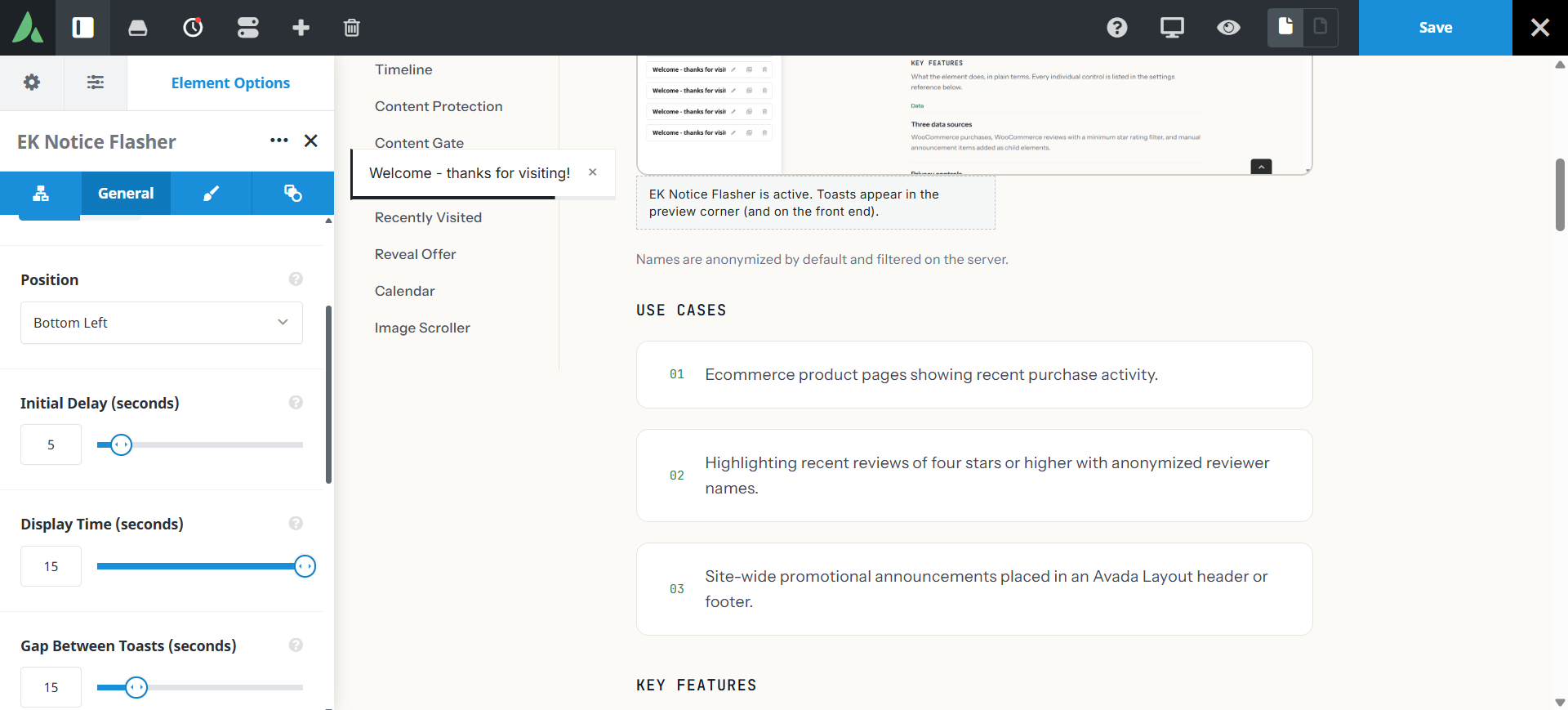
Initial delay, display duration, gap between toasts, maximum toasts per session from 1 to 25, and an event lookback window from 1 to 90 days.
Dismiss behaviour
Cookie options for the session, 24 hours, or a permanent dismiss.
Default hidden on mobile
Toasts stay off small screens by default, and Avada visibility controls can change that.
Presentation
Design controls
Card or minimal style, typography, width span, minimum height, background and accent colours, and an optional countdown progress bar.
Special spacing
Margin sets the inset from the chosen screen corner, and padding insets the content of the toast card itself.
Settings reference
Every setting the element exposes, grouped by builder tab. Options are listed where the setting offers a fixed set of choices.
Data source General tab
WooCommerce purchases
On · Off
Rotates real recent orders. Without WooCommerce installed, only announcement toasts are available.
WooCommerce reviews
On · Off
Rotates real recent product reviews.
Minimum star rating
The lowest review rating eligible to appear, so only positive reviews are surfaced.
Announcement items
Child element, Dynamic Data
Owner-written toasts with their own message and optional link, used alone or mixed with Woo events.
Event lookback window
1 to 90 days
How far back an order or review may be and still appear. The default is 7 days.
Privacy General tab
Name display
Anonymized by default
Anonymized shows no customer name. The opt-in alternative shows a first initial with city or country. Filtering happens on the server.
Location display
On · Off
Whether the city or country accompanies the initial when the owner has opted in.
Timing and dismissal General tab
Initial delay
How long after page load the first toast appears.
Display duration
How long each toast stays on screen.
Gap between toasts
The quiet interval between one toast leaving and the next arriving.
Maximum toasts per session
1 to 25
An upper limit per visit, so the page never nags. The default is 4.
Dismiss memory
Session · 24 hours · Permanent
How long a dismissal is remembered through a cookie.
Countdown progress bar
On · Off
Shows the remaining display time on the toast.
Design Design tab
Corner position
Which screen corner the toasts mount in. Toasts mount on the document body so column overflow cannot clip them.
Style
Card · Minimal
Card gives a bordered panel with elevation. Minimal is a lighter treatment for quieter sites.
Typography
Font controls for the toast message and its metadata line.
Width span
How wide the toast is allowed to be.
Minimum height
A floor on toast height, which keeps short and long messages consistent.
Background and accent colours
Card background and the accent used for the icon, bar, and highlights.
Margin
Corner offset
Sets the inset from the chosen screen corner rather than ordinary outer spacing.
Padding
Insets the content of the toast card itself.
Extras Extras tab
Conditional Rendering
Avada logic conditions
Shows or hides the element based on logged-in state, user role, and the other conditions Avada’s logic system offers.
On this page
